
ClashX is a simple and lightweight proxy client for macOS. It supports a wide range of protocols, including Shadowsocks (SS), ShadowsocksR (SSR), V2Ray, Trojan, Snell, and Socks5, making it the most popular tool for managing network traffic on Mac.
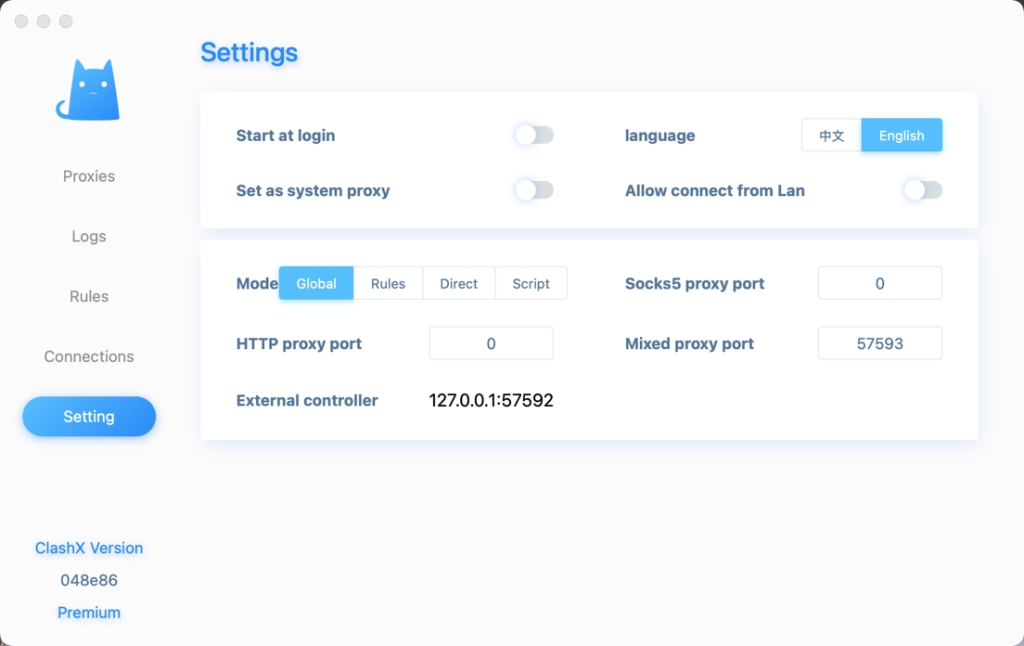
1. Download ClashX
Since the original developer has archived the project, you can download the latest stable version via the backup link below:
- Download Link: [Click Here to Download ClashX.dmg]
2. Installation
- Open the downloaded
.dmgfile and drag ClashX to your Applications folder. - Launch ClashX from your Applications.
- Security Note: If macOS says the app “cannot be opened because it is from an unidentified developer,” go to System Settings > Privacy & Security and click “Open Anyway”.
3. Adding Configurations (Nodes)
To use the proxy, you need a subscription URL from a service provider (Airport).
- Click the ClashX icon in the top menu bar.
- Go to Config > Remote Config > Manage.
- Click Add, then paste your Subscription URL into the URL field and click OK.
- The software will automatically download the configuration and node list.
FAQ
- Supported Protocols: SS, SSR, V2Ray, Trojan, Snell, and Socks5.
- UI Issues: If the interface isn’t displaying correctly, delete the
config.ymlfile in the application support folder and restart the app.